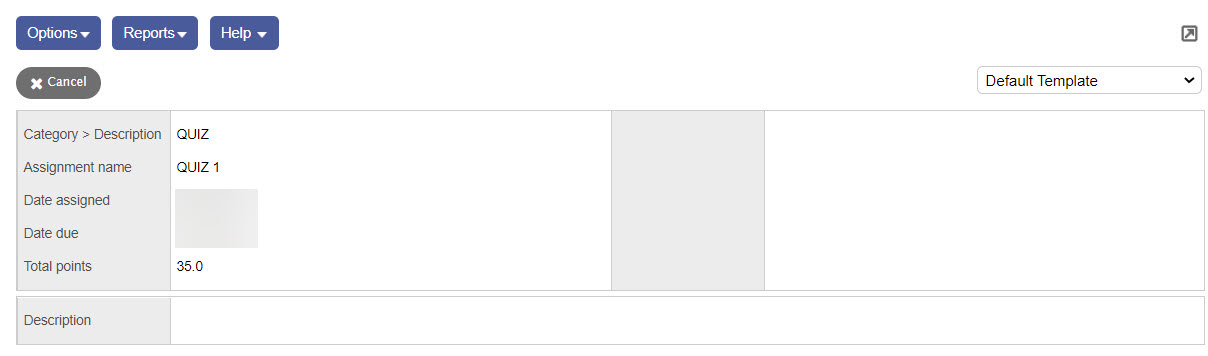
You can view the details of assignments your students are responsible for in their other classes.
To view these details:
- Log on to the Staff view.
- Click the Student tab.
- Select a student, and click the Academics side-tab. A list of the student’s current classes appears.
- Select a class, and click Assignments on the Academics side-tab.
- Click the Category drop-down to filter
 a set of criteria to selectively screen out incoming information, such as "all active students" or "former students"
the list of assignments to a specific category.
a set of criteria to selectively screen out incoming information, such as "all active students" or "former students"
the list of assignments to a specific category. - Click the Grade Term drop-down to filter the list of assignments to a specific grade term. The assignment list displays the date assigned, date due, total points, and score.
- Click an assignment to view its details, including statistics and a description.
-